Manage Envelopes · Sender
Resend an invitation or completed documents
Choose the resend action that matches the Envelope status and the email that is missing.
Applies to
- Role Sender
- Plans Free, Basic Monthly, Basic Yearly
- Platform Web
Outcome
You send another signature invitation to a pending Recipient or send the completion email again after an Envelope is Completed.
Before you start
- Sign in to the Sender account and open the Dashboard.
- Confirm whether the Envelope is Waiting for recipients or Completed.
- Ask the intended person to check spam and confirm the email address before using a limited resend.
Steps
- Find the Envelope on the Dashboard.
- If a pending Recipient needs another invitation, open the available invitation resend action for that Recipient.
- Confirm that at least one hour has passed since the previous invitation resend to the same Recipient, then send again.
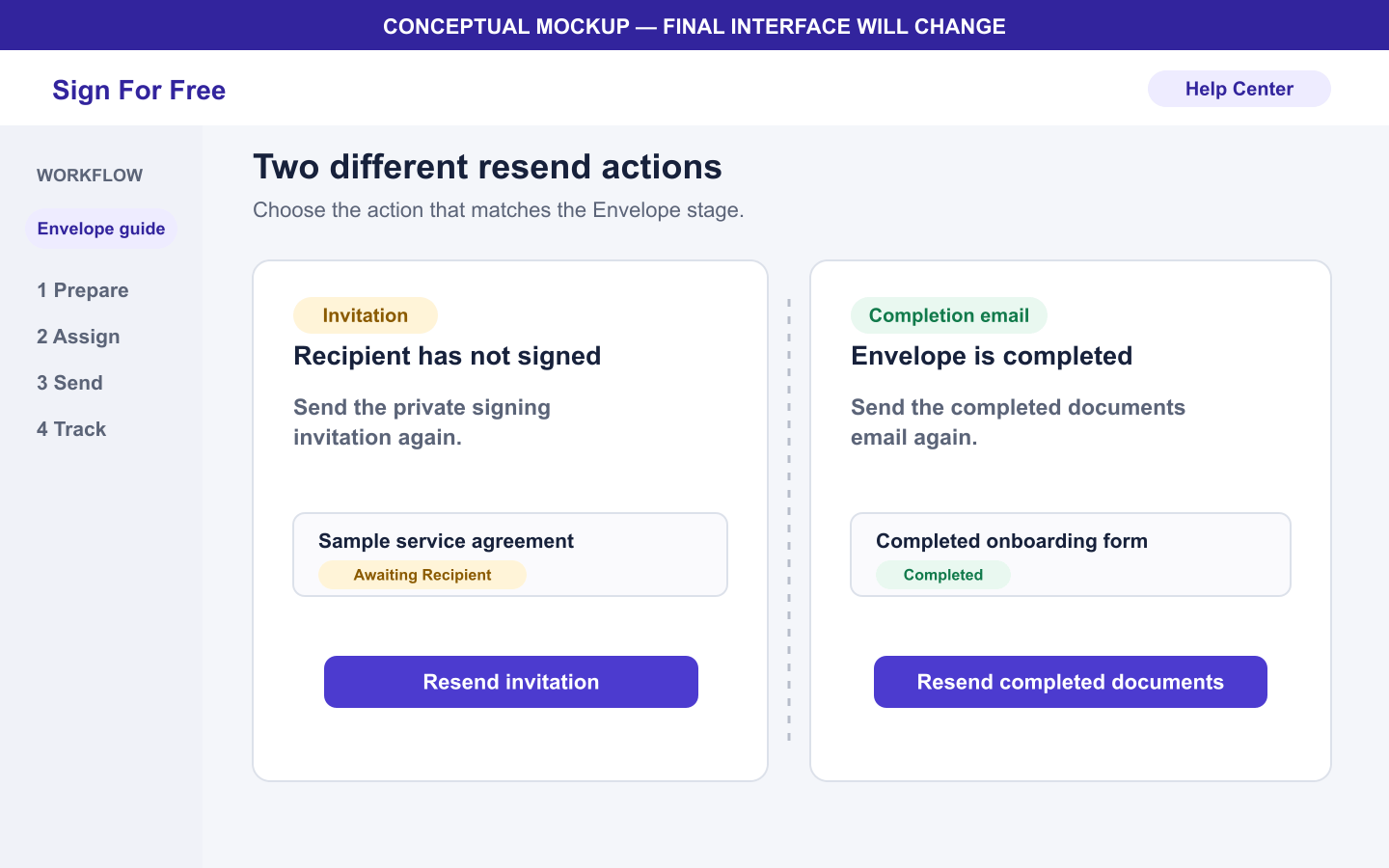
- If the Envelope is Completed and the final files are missing, use the completion email resend action instead.
- Ask the intended recipient of the email to confirm that the new message arrived.
What happens next
An invitation resend gives the selected pending Recipient another message for their private signing link. A completion email resend sends the completed PDF and audit certificate again after the Envelope is Completed.
Warnings and limitations
- Invitation resends and completion email resends have separate limits: one of each on Free and three of each on Basic.
- Invitation resends to the same Recipient have a one-hour cooldown.
- A resend does not extend the Envelope expiration time.
- Do not use an invitation resend for an Expired Envelope. Create a new Envelope.
- Do not forward one Recipient's private signing link to another person.
Troubleshooting
- If the resend action is unavailable, confirm the Envelope status.
- If the cooldown is active, wait until one hour has passed before trying that Recipient again.
- If the plan resend limit is reached, do not create or share a replacement link manually.
- If all Recipients signed but completion did not succeed, use the completion retry action on the Dashboard before looking for the completion email.